
Online Wedding Invitations from 49 RON
Choose from 64 digital wedding invitation templates — classic with gold accents, modern minimalist, floral or romantic. Personalize with the couple's names, date and location in 2 minutes. Free editor, invitation from 49 RON.
- ✓64 templates — classic, modern, floral, romantic, rustic, luxury and more
- ✓Built-in RSVP — guests confirm directly from the link, you see everything in the dashboard
- ✓Send via WhatsApp, email or a copied link
- ✓PDF export for guests who prefer a printed version
- ✓Editable anytime after sending — change the location or time without resending
- ✓Works on any phone, straight in the browser
64 templates available
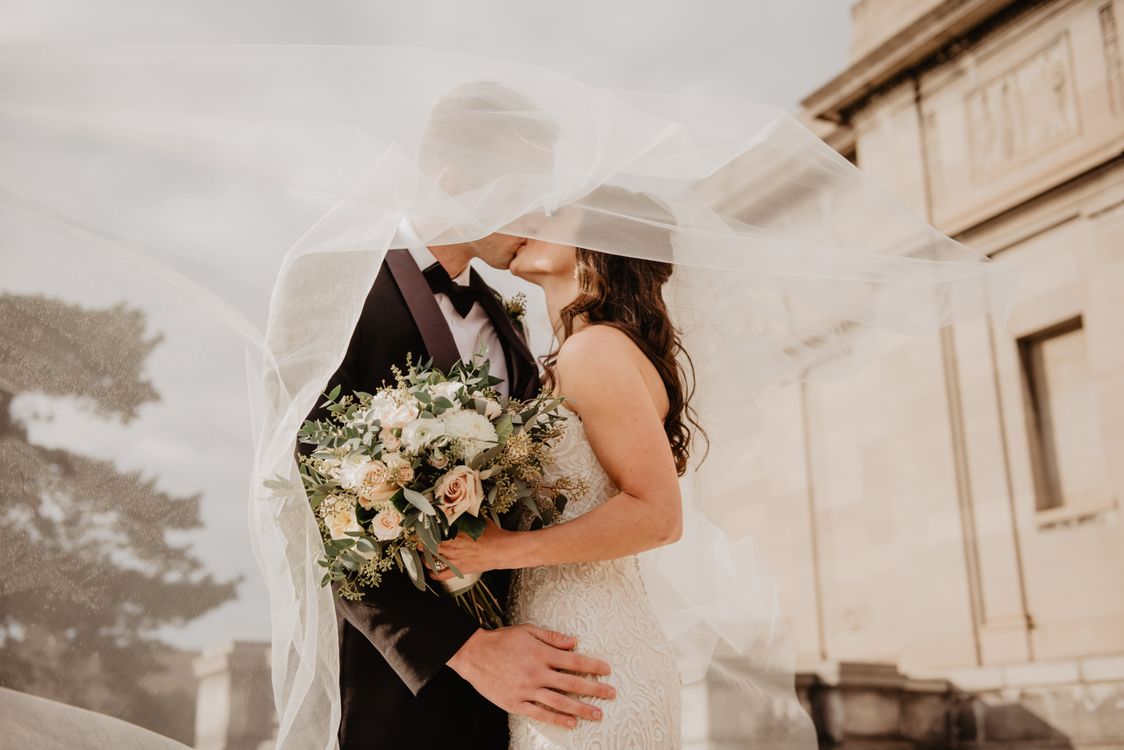


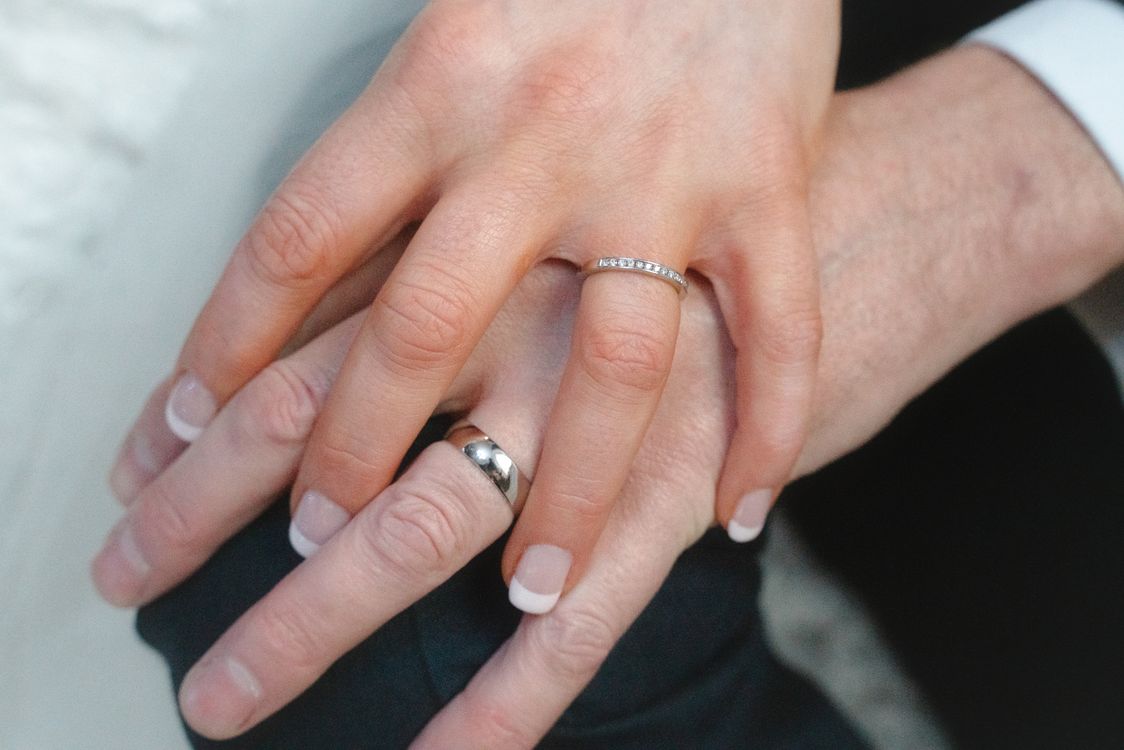










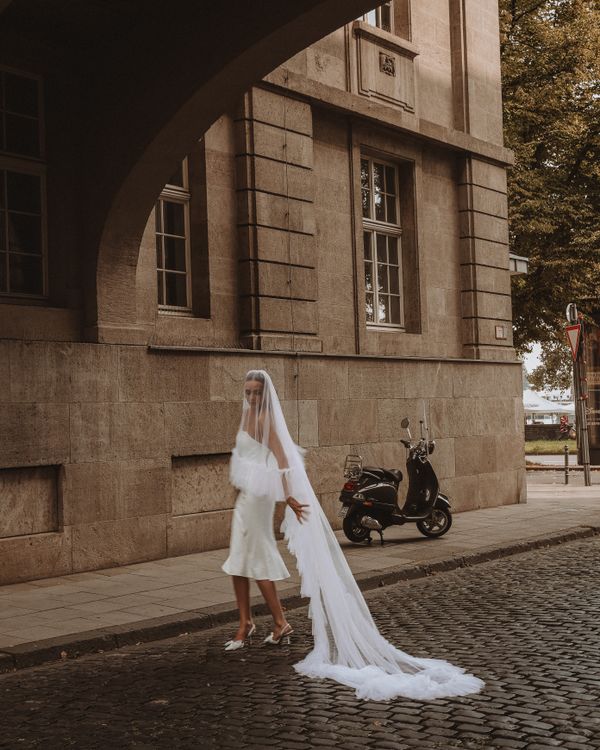

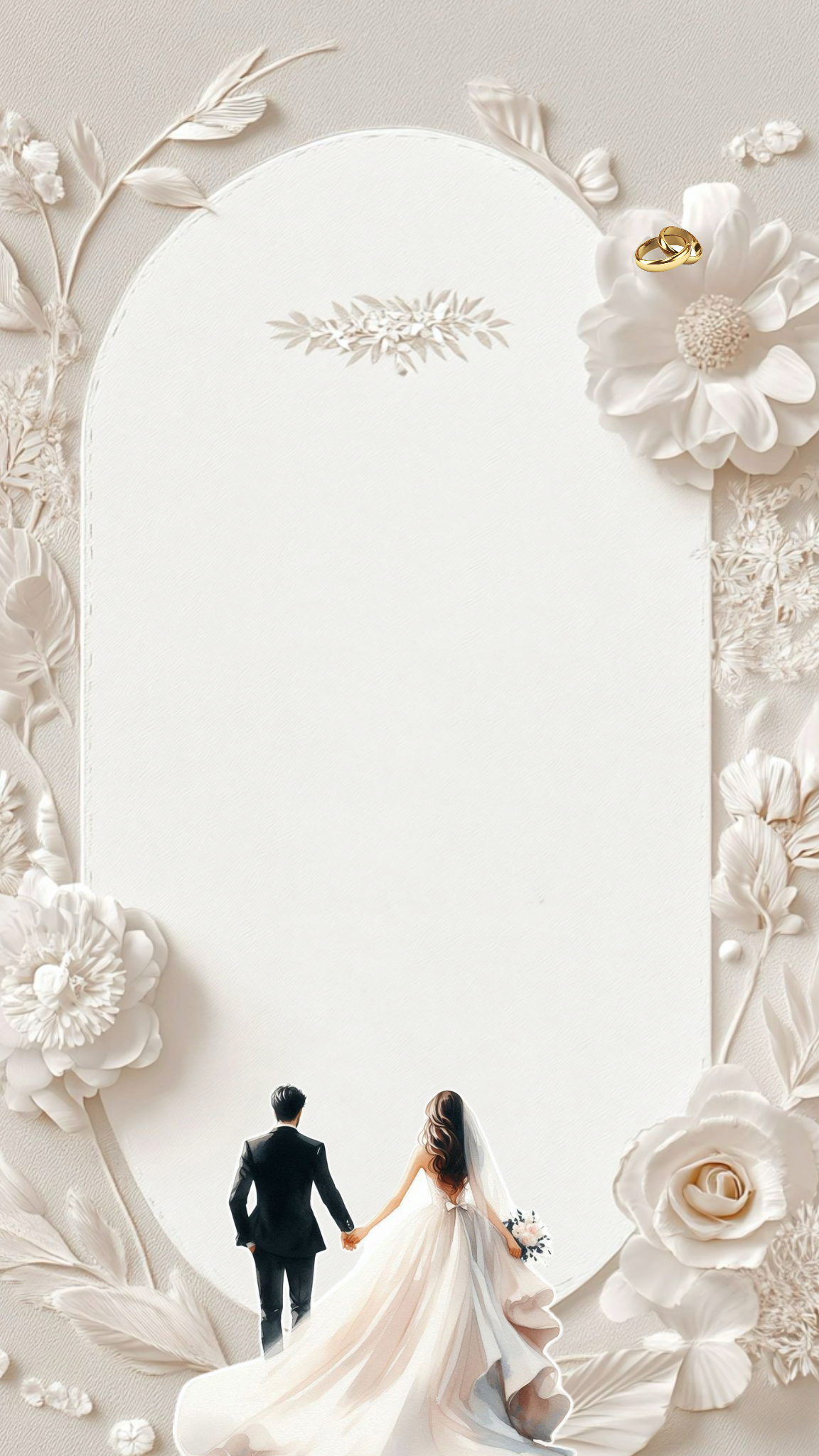













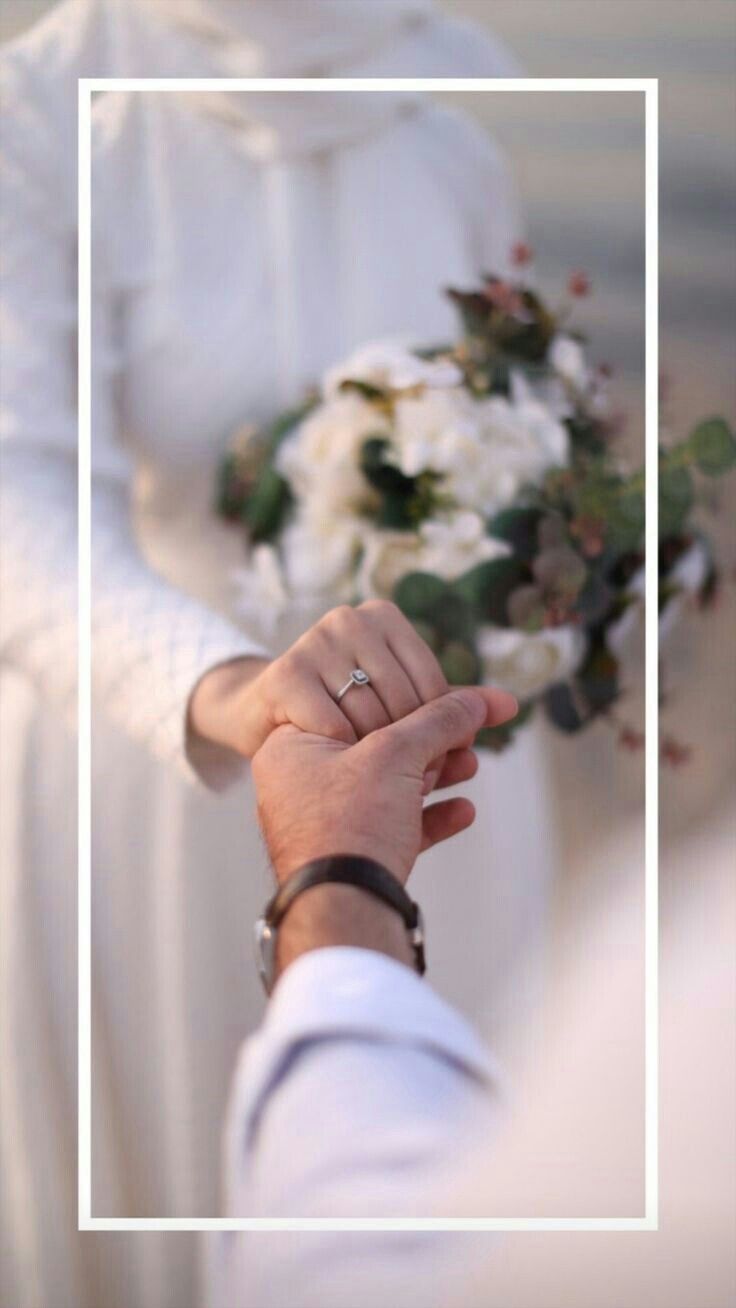

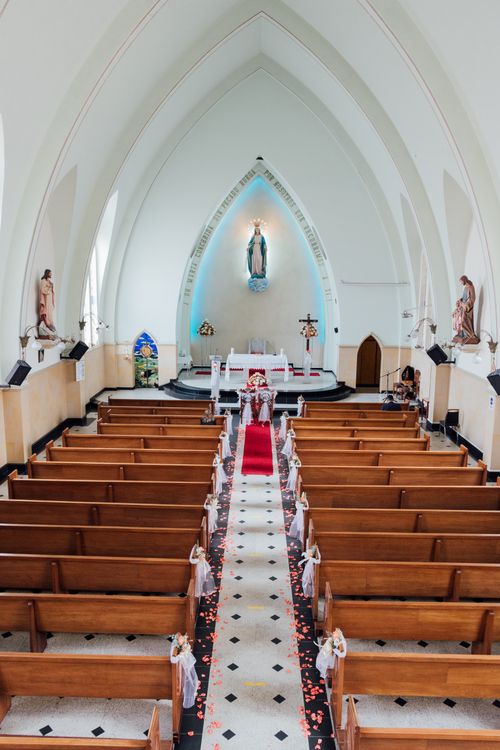
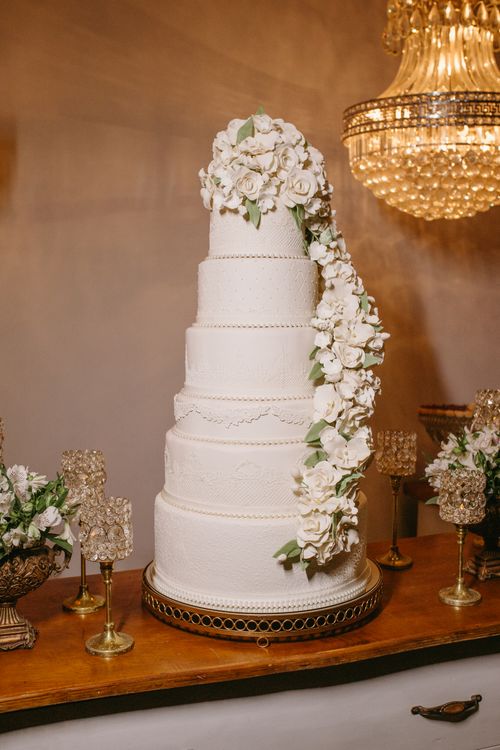
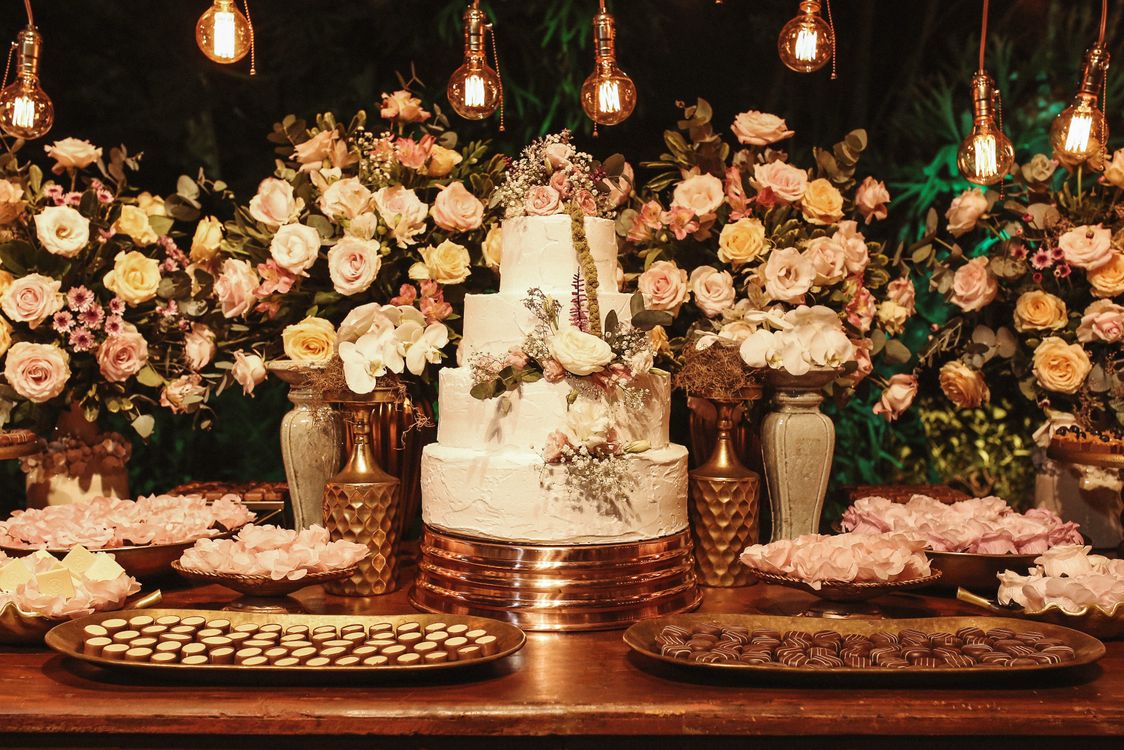
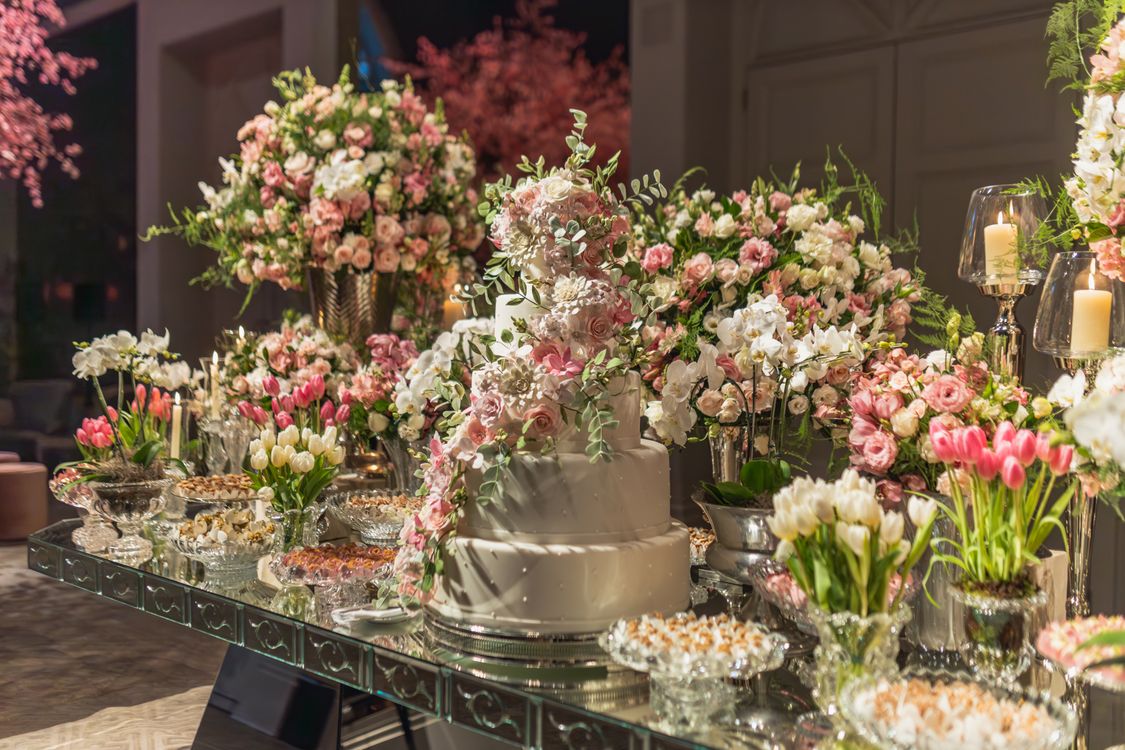
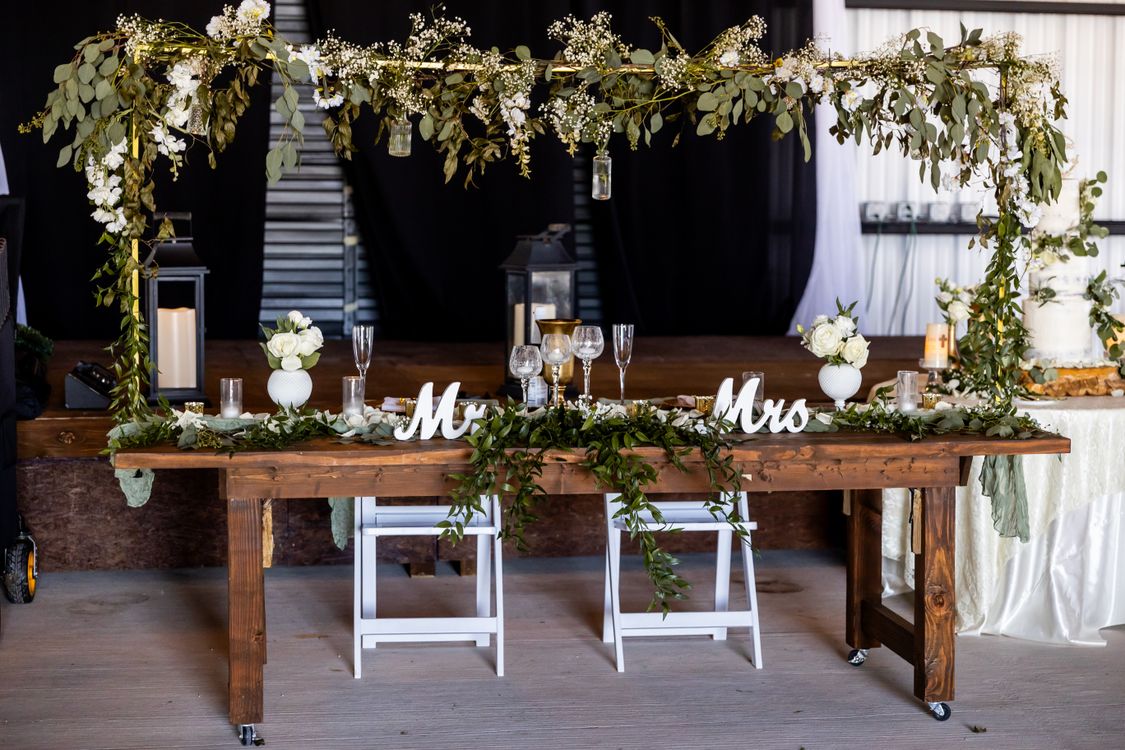
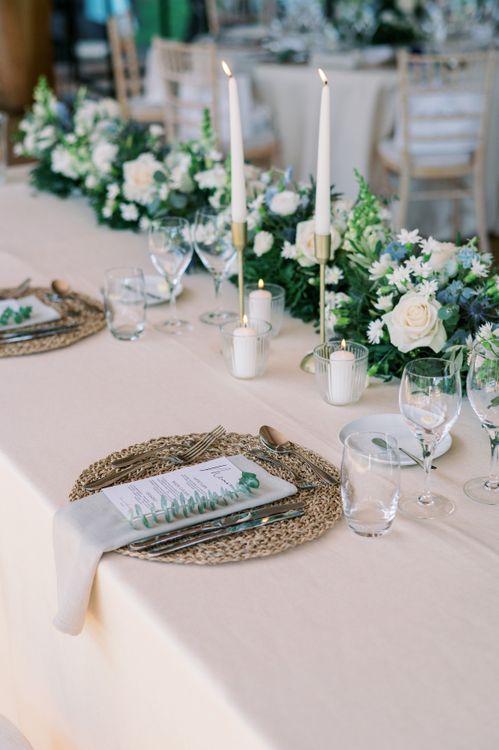
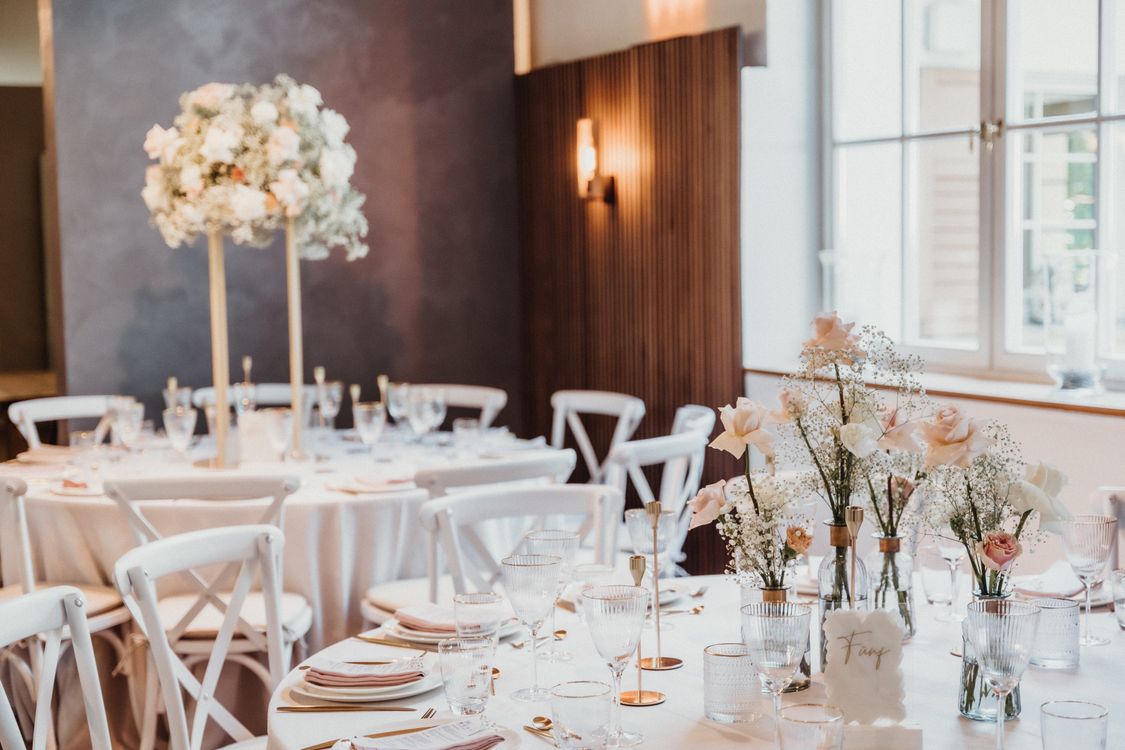
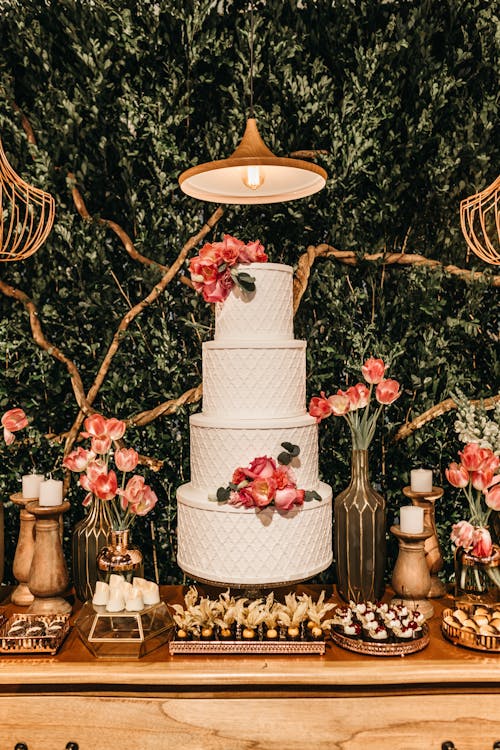
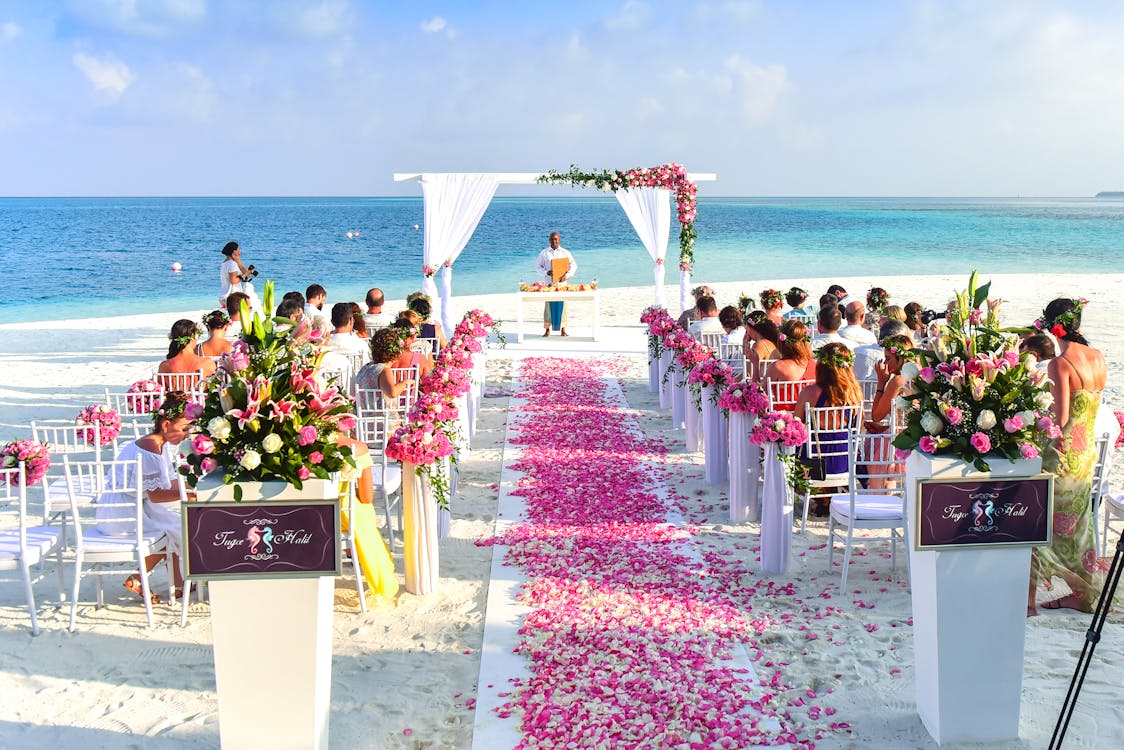

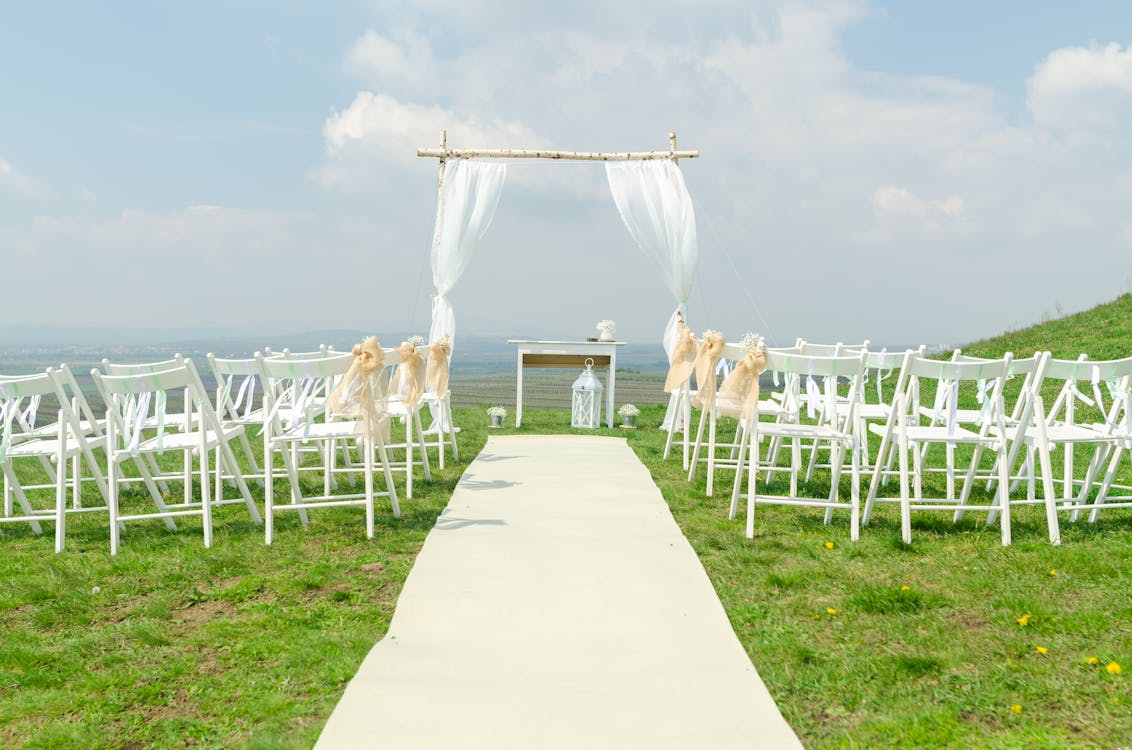





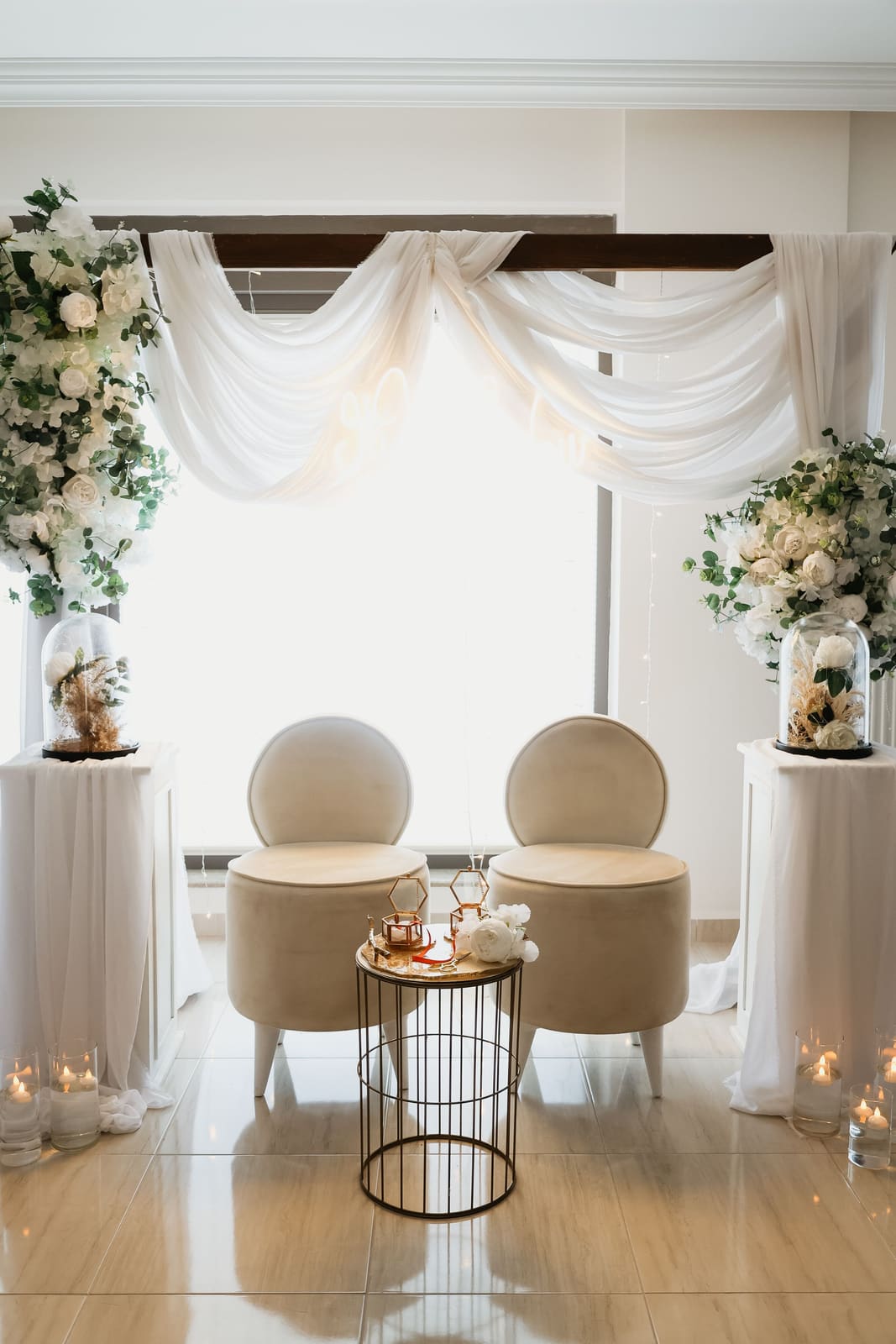

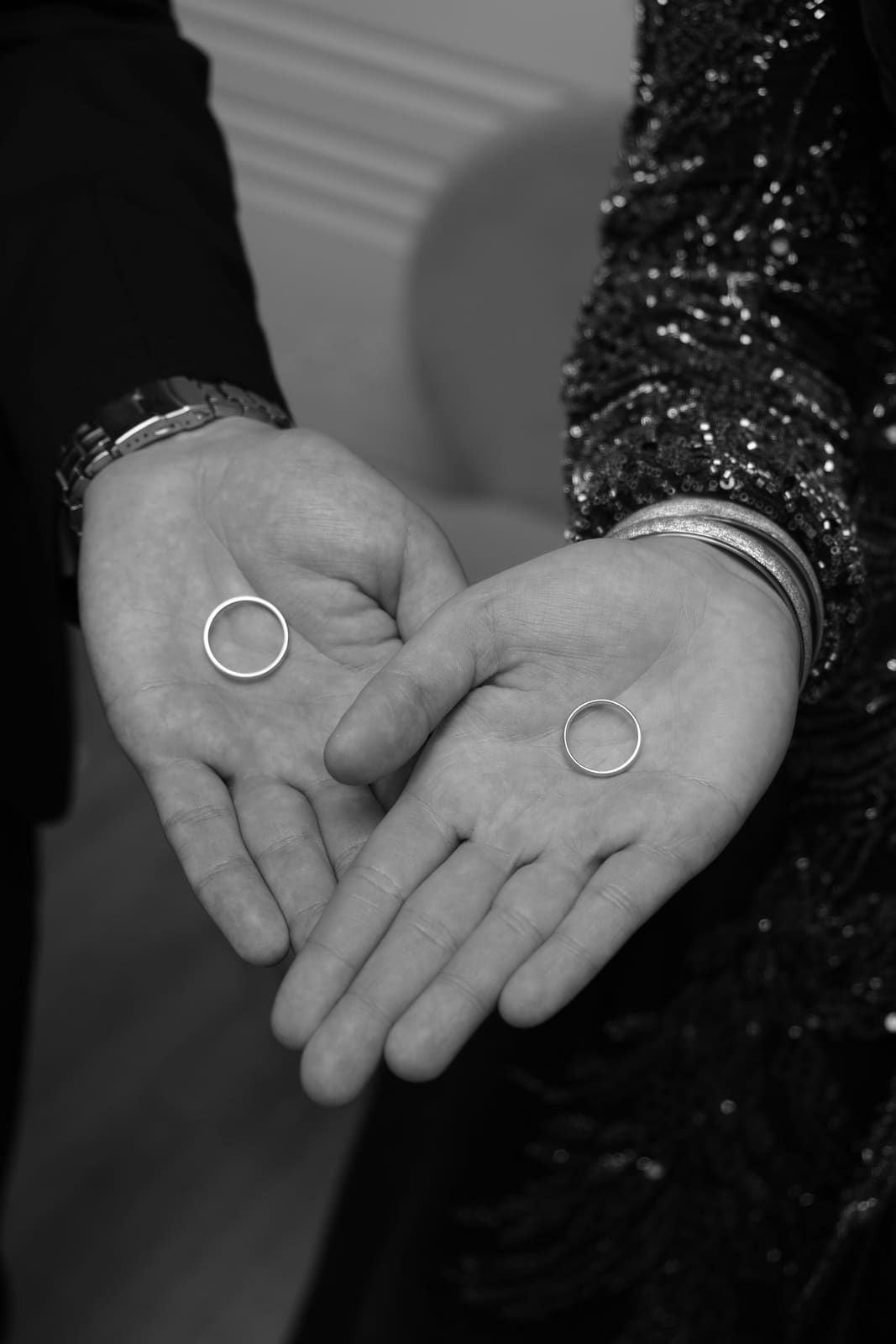
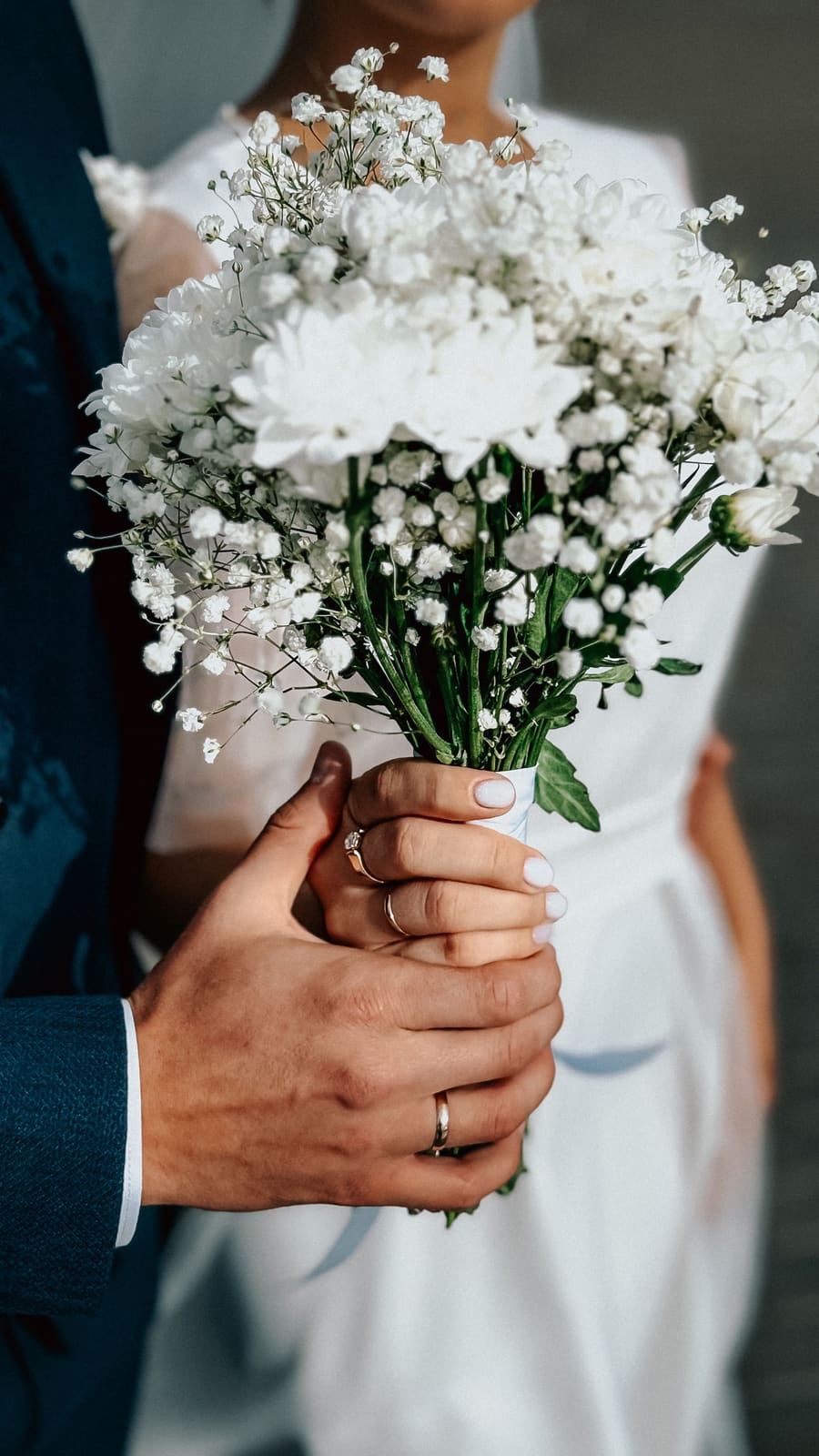
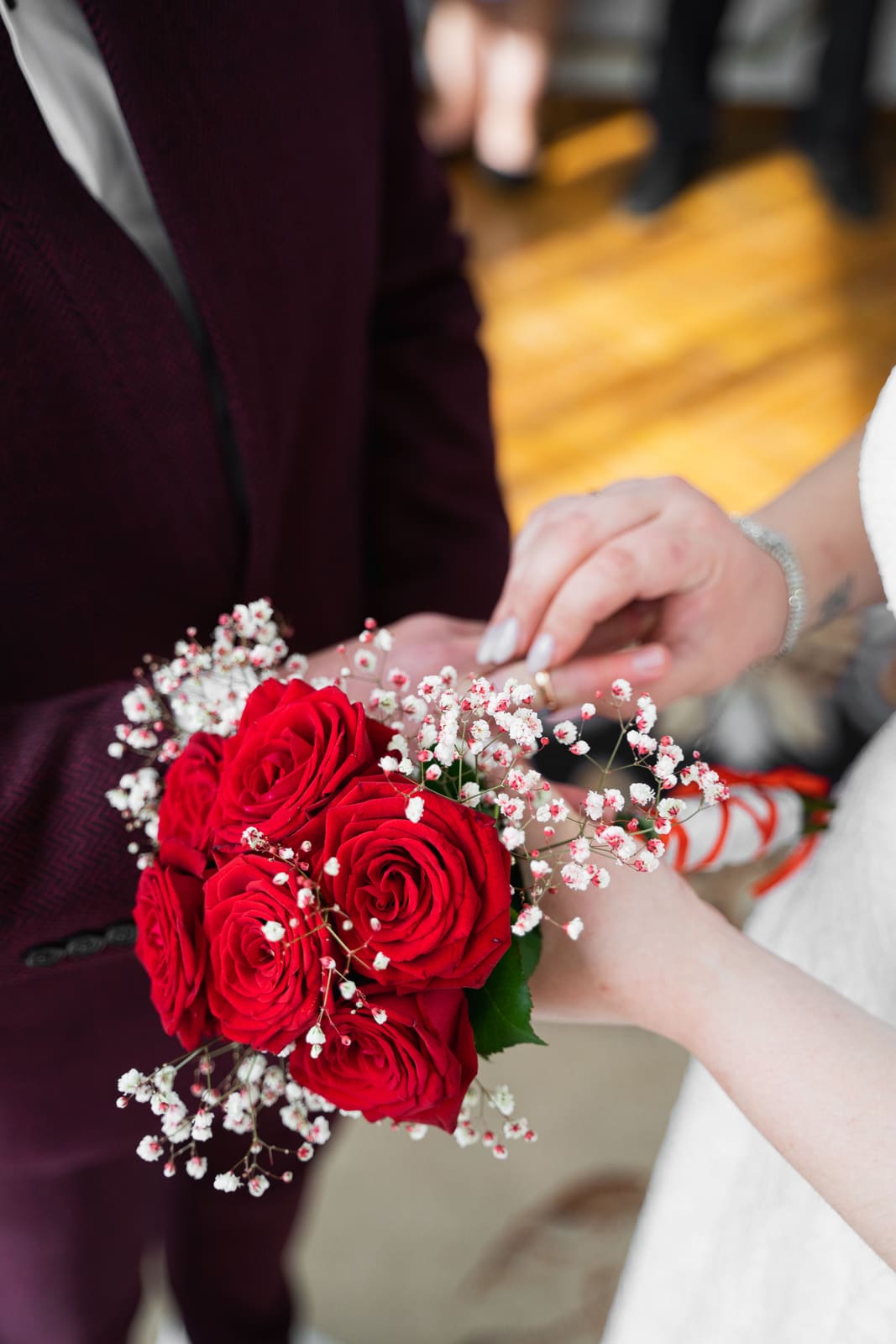
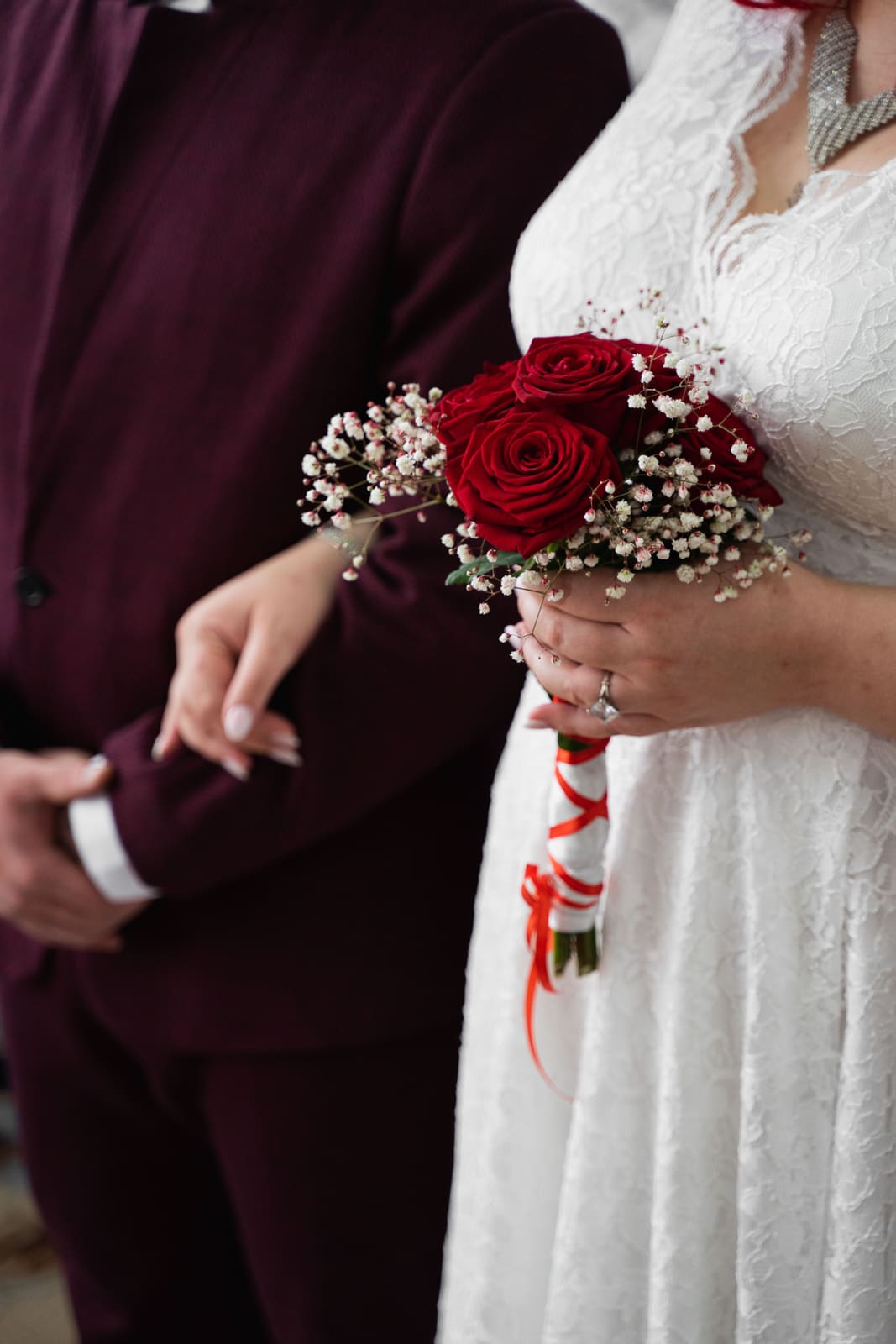

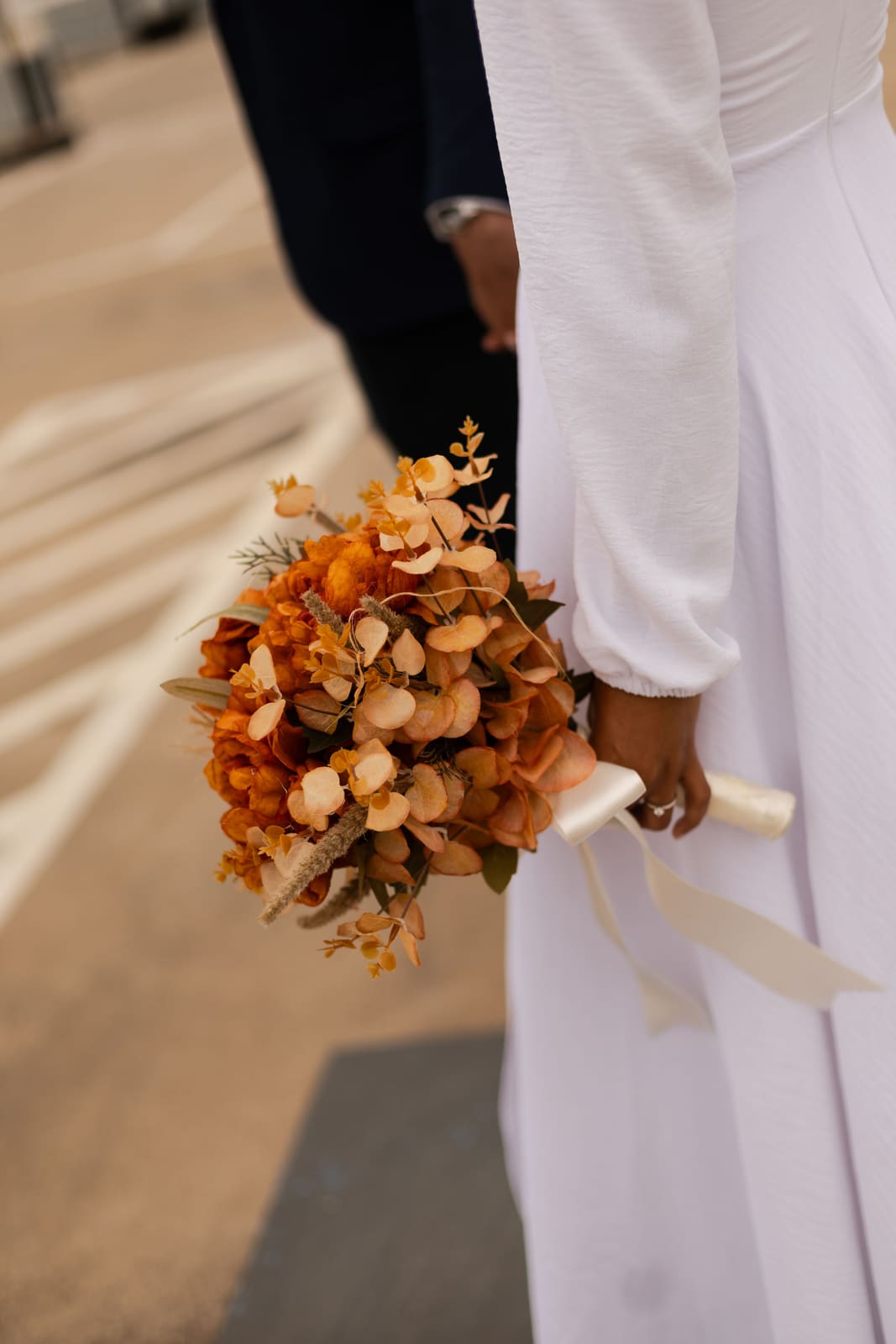


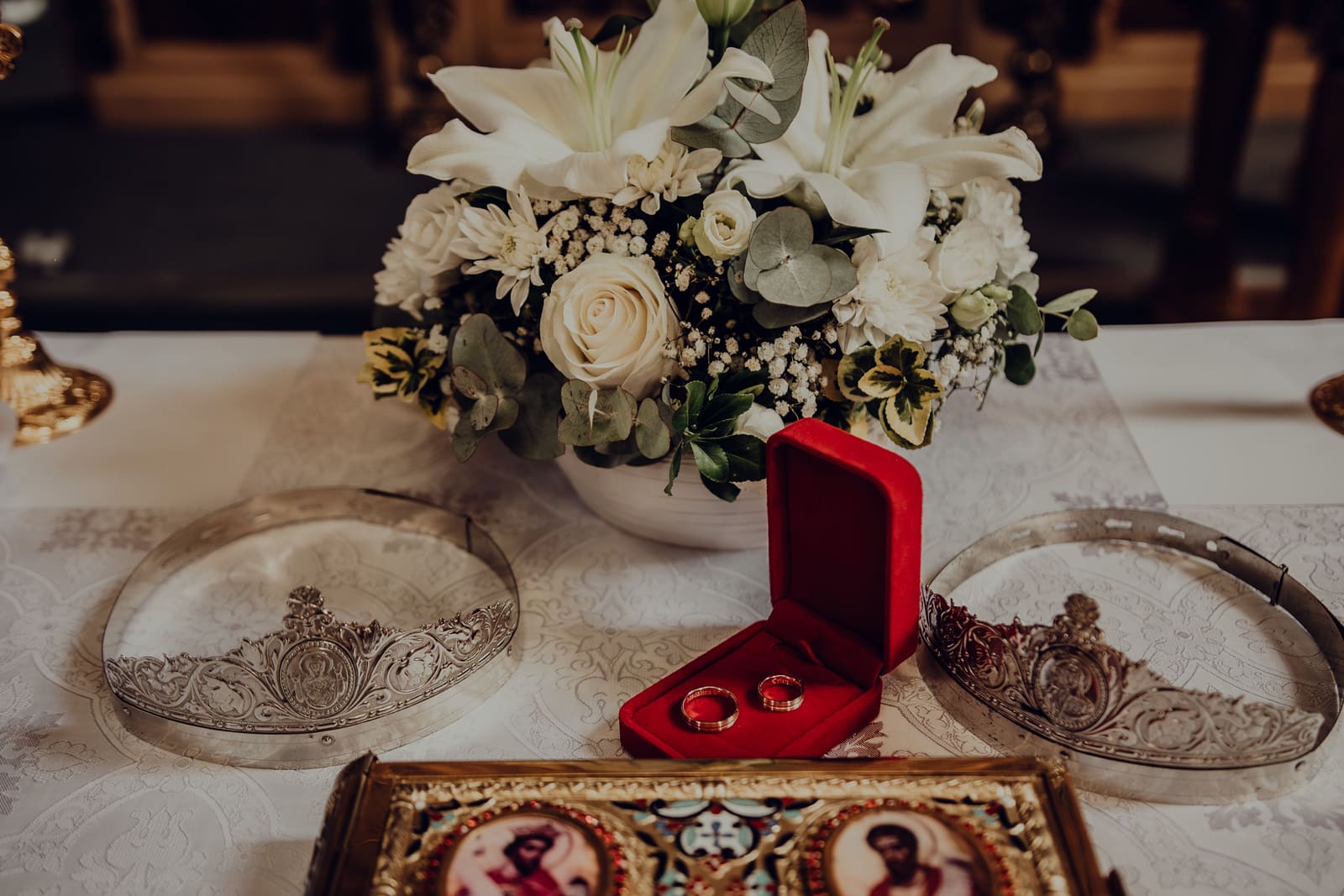
Free editor · Invitation 49 RON · 2 min
Sample invitation wording
Use one of these ready-made texts and fill in your own details:
Traditional wording
"With hearts full of joy, we invite you to join us on our big day! Religious ceremony: [date], [time], [Church]. Reception: [time], [Venue]. With love, [Bride] & [Groom]"
Modern wording
"We're saying I DO and want to celebrate with you! Ceremony: [date], [time], [Location]. Reception: [time], [Venue]. Please confirm by [date]. — [Bride] & [Groom]"
Short wording
"We're getting married! Join us on [date] at [time] at [Location], followed by the reception from [time]. Please confirm by [date]. — [Bride] & [Groom]"
Frequently asked questions
What wedding invitation templates are available?
We offer 64 templates: classic with gold accents, modern minimalist, floral, romantic, rustic, luxury and more. Every one is fully customizable.
How much does a digital wedding invitation cost?
The editor is free — create an account and personalize it right away, no card required. The final invitation costs 49 RON, a one-time payment, no subscription.
How do I send digital wedding invitations?
Copy the link and send it via WhatsApp, Messenger or email. Guests open the invitation in their browser, no app required.
Can I export the wedding invitation as a PDF?
Yes. Open the invitation, click Print / Save PDF, and choose Save as PDF in the print dialog.
What should I write on the wedding invitation?
Include: the invitation wording, the couple's names, date, time, locations (ceremony + reception) and an RSVP request. You'll find three ready-to-use examples above.
How does digital RSVP work?
Every invitation has built-in RSVP. Guests tap Confirm or Can't make it, and you see all responses centrally in your dashboard, in real time.
Can I change the invitation after sending it?
Yes, anytime. Change the location, time or any other detail, and guests who open the link automatically see the updated version.
Does the invitation work on mobile?
Yes, all templates are optimized for mobile. They open perfectly on any iPhone or Android, straight in the browser.
Complete guide: digital wedding invitations in Romania 2026
Wedding invitations are the first thing guests see from your event. They set the tone, convey the wedding's style and provide all the practical information needed. A well-made digital wedding invitation fully replaces the printed version — with major advantages: it reaches any phone instantly, never gets lost, can be updated anytime, and costs just 49 RON, once.
With 64 templates available — from classic with gold accents to modern minimalist, from romantic floral to rustic or luxury — there's certainly a style that fits every couple. The online editor allows full customization: the couple's first names, civil and religious ceremony dates, reception venue, your photos, invitation wording and dress code.
Built-in RSVP automatically centralizes confirmations — guests tap "Confirm" or "Can't make it," and you and the godparents see everything in real time in the dashboard, no spreadsheets, no repeated phone calls.
How to choose the right template for your wedding invitations
The invitation template should match the wedding's style. A few practical guidelines:
- Classic / traditional wedding — classic or luxury templates with gold accents, elegant serif fonts
- Modern, minimalist wedding — modern or minimal templates, clean fonts, negative space
- Botanical / floral wedding — floral or garden templates, with greenery and delicate flowers
- Romantic wedding — romantic or rose-gold templates, warm colors and soft textures
- Rustic wedding — rustic or woodland templates, earthy tones and natural feel
- Boho wedding — bohemian or sage templates, neutral colors and ethnic elements
How early to send wedding invitations
Tradition says wedding invitations should go out 6-8 weeks before the event. If the wedding falls in peak season (May-September) or if some guests are coming from abroad or other cities, send them 10-12 weeks ahead.
A digital invitation can be sent earlier than a printed one — even 3 months ahead — and stays up to date. If the venue changes or you add an engagement shoot before the ceremony, just edit the invitation and every guest automatically sees the new version.
Send a reminder 2-3 weeks before the RSVP deadline — it significantly boosts the confirmation rate. And a second reminder 1 week before the wedding, with logistics: exact address, parking, the day's schedule.
Digital invitations vs. printed ones — the cost
Printed wedding invitations cost on average 5-15 RON each for design and printing, plus shipping costs if mailed. A wedding with 200 guests means 1000-3000 RON on invitations alone. And they don't reach relatives abroad without extra international shipping costs.
A digital invitation on InvitatiOnline costs 49 RON, once. You send the same link to 10 or 1000 guests, it arrives instantly anywhere in the world, and it's still just 49 RON. Save the rest for the photographer, flowers or music.
Other invitation types
Ready to create your invitation?
Choose a template, fill in your details, send it on WhatsApp in 2 minutes. Free editor, no card required.
Create the invitation →